
Records, reports & protection

A boat record earns its keep on about five days

The day you claim. The day you sell. The day you hand over. The day you are boarded. And the day something breaks four hundred miles from the yard that knows your boat. Everything on this page exists for those days.

Insurance & Reports (Captain)

Nobody reconstructs an inventory after a fire

They try. They sit at a kitchen table with an adjuster and try to remember what was in the cockpit locker, what the tender’s outboard cost in 2021, and whether the anchor rode was two hundred feet of chain or three hundred.

An inventory assembled that way is always short, and the shortfall is money. AFTWISE builds the total-loss package continuously instead: what was aboard, what it cost, when you bought it, where it lived, and the photographs to go with it.

  • Insurance & total-loss inventory with values, purchase dates and photographs
  • Eleven reports, each as PDF or CSV — Operating Overview, Expenses by Category, Fuel Usage and Cost, Maintenance Summary, Trip Costs, Monthly Spending, Vendor Spending, Equipment Costs, General Vessel Expenses, Favorite Places, and the Cruising Summary
  • Over the period you need — this month, this year, the last twelve months, all time, or a custom range you set yourself, which is how you get a single week or a single passage
  • Drawn as well as listed — bars, a pie or a line where the report suits it, a comparison against the previous period or the same period last year, and a PDF that carries the chart as shown
  • The whole vessel as a folder, on every plan — a ZIP that opens on any computer, eleven numbered folders from 01-Vessel to 11-VLOG: profile and readiness, equipment and maintenance, stores, documents and manuals, schematics, operations, planning, directories, financial, sea service and vlog projects — with the stored files themselves inside, not just rows describing them.
    In detail

    It is built to be read rather than restored, which is the point: the person opening it does not have AFTWISE™.

  • The one file that is not a spreadsheet — almost everything in that ZIP is CSV, which any spreadsheet opens. The vlog project package is JSON, and the difference is not decoration.
    In detail

    The spreadsheet has thirty-one columns, and not one of them is the trip, the latitude or the longitude; the JSON package carries all three, so a project stays tied to the passage it was filmed on and the place it was filmed. None of the three is better than the others — each is better at one job. A PDF is made for a person to read, which is why the reports above are offered as one, and it cannot come back in. A CSV does arithmetic, which is why they are offered that way too. JSON does neither of those well and is not trying to: it is the copy another program can pick up whole, which is the difference between handing an editor your project and handing them something to retype.

  • A service history you can hand over — the Maintenance Summary as PDF or CSV, readable by a surveyor, an insurer or a buyer without you sitting beside them
In the appInsurance & total-loss inventory

Page one of the packet — the identification an adjuster asks for first, the policy number and the insurer’s claims line beside it, and the counts standing behind what follows. The equipment and stock themselves run to the pages after it.

Boarding & Inspection (every plan)

If you are ever boarded, one tap

A safety stop is not the moment to remember which folder the registration went into, or whether the insurance summary is on this iPad or the other phone. AFTWISE™ keeps the papers an officer asks for in one collection, and opens it with one tap from Vessel Documents.

Registration, title, insurance, certificates and licenses, policies and plans, and any previous boarding report are in the collection without setup. Anything else joins with a check box on the document itself — a survey, a warranty, the manual you want to hand across — and keeps its own category, because this is a second way of looking at the same papers, not a re-filing.

  • One tap, one report — the Boarding & Inspection button opens a single report: what officers commonly ask for, and under each item the paper on file that answers it, first page showing — tap it and that document opens on its own.
    In detail

    Registration and insurance carry an orange None on file flag when nothing answers them, so the list doubles as a completeness check.

  • Or hand across one packet — Show as One Packet builds a single PDF: a cover sheet naming the vessel and listing what follows, then every paper’s actual pages in that order.
    In detail

    Scanned images become pages; a file that cannot be merged is named on the cover as one to open separately in AFTWISE. The cover also lists what is carried in person rather than filed — photo ID, the boater education card where required, and the safety equipment that Readiness & Compliance covers.

  • Commonly requested at a stop — registration or USCG documentation, proof of insurance, a captain’s license when passengers are carried for hire, EPIRB registration, the boater education card, fishing licenses, a written waste management plan where one is required, photo ID for the operator, and a previous boarding report — each with a line on when it applies
  • Your choices travel in the backup — the check-box choices ride in the Personal Backup, so a restore onto a new device brings the papers you picked by hand along with the automatic ones
In the appBoarding & Inspection report

The one tap. The report opens over the list it was built from: the packet button first, then what officers commonly ask for with the answering paper nested under each — the registration and the insurance summary here, first pages showing.

In the appVessel documents, filtered to boarding
Orientation, not law. The report says so on the same screen: it is compiled from U.S. Coast Guard boarding guidance and state examples, and requirements vary by state, waters, vessel size and use — verify the current rules where you operate. AFTWISE gathers your papers; it does not decide what your waters require.

Close the report and you are on the managed list: the Write a Plan templates AFTWISE™ keeps above it, the filter note naming the categories that join without a check box, and each document below with its check box and an Open / Manage button.

The originals stay aboard. AFTWISE™ keeps a convenient copy of your papers and builds a packet to show at a stop. It does not replace the original, hard-copy documents. Vessels are required to carry the original documents aboard, and a copy does not meet that requirement. Verify the current rules for your vessel and waters.

Plans you write (every plan)

Four papers nobody hands you

A registration certificate or an insurance policy is somebody else’s paper, so AFTWISE™ stores it exactly as issued and never offers to edit it. A waste management plan, a float plan, an emergency action plan and a drug and alcohol policy have no original anywhere else — you write them. So AFTWISE writes them with you.

  • Already written when it opens — each template arrives as a finished plan for a boat like yours, with the parts you must change spelled out as instructions rather than left as blanks: your vessel’s length, the person in charge, who to call if you do not arrive
  • Every save rebuilds the PDF on AFTWISE letterhead, so the plan always carries the boat’s own branding instead of drifting off into somebody’s word processor
  • Filed where an officer will look — a written plan is a Policy / Plan document, and those join the Boarding & Inspection collection without a check box
The one most owners do not know they need. Federal rule 33 CFR 151.57 requires a written waste management plan aboard a manned oceangoing vessel of forty feet or more that is documented or state-numbered and either engaged in commerce or fitted with a galley and berthing — and a surprising number of owners of boats that size have not seen one. It is a template to adapt, not a ruling on your boat: verify the current text of the regulation, and any stricter state or park rules where you operate.
In detail

The template says which vessels need one, then does the three things the regulation asks a plan to do: it sets the discharge rules the vessel follows, describes how garbage is collected, processed, stored and landed, and names the person in charge. It closes with how to make it your own.

In the appWrite a Plan

The four templates, at the top of Vessel Documents. The note beneath them is the app’s own.

In the appWaste management plan, page one

Page one of the demonstration boat’s plan as AFTWISE renders it. The person in charge and the notes on adapting it are on the page after.

Cost Analysis (Captain)

What does this boat actually cost?

Most owners answer that question with a number they made up several years ago and have quietly stopped believing. AFTWISE™ answers it from the records you already kept — and tells you where the number could be wrong.

By category

Fourteen of them to file against — fuel, oil and fluids, maintenance, parts, tools, marina and dockage, pump-out, provisions, insurance, registration, electronics, safety, media, and everything else. The split that tells you where the money is really going.
By trip

What that month down the Tenn-Tom cost, all in — fuel, locks, marinas, the alternator that failed in Demopolis.

By equipment

Which piece of gear has quietly consumed four thousand dollars in repairs and is now a replacement decision rather than a repair one.

By vendor

Who you use, what they charge, and what they have actually done to your boat over the years.

In the appCost analysis

Read it over a week, a month or a year, and every figure follows the window you pick — the total, the number of records behind it, the largest category, the average, and what it is being compared against.

In detail

A week compares to the week before it, not to last year. The same costs can then be read over time, ranked by category, split by where the record came from, or attributed to the trip that produced them — and filtered to operating, maintenance or media spending alone. The total is made of three things rather than one — expense entries, costs logged against a maintenance record, and gear bought for the boat — which is worth knowing before you go hunting for a figure, because the Expenses screen lists only the first. A service invoice belongs in the total and not in that list, and Expenses is exactly where an owner looks when a number seems wrong — so the total names its sources underneath itself rather than leaving you to find them, and says outright when everything in a period came from one of them.

And it tells you where its own number could be wrong. Those three stay separate record sources, so enter the same invoice in two of them and it can be counted twice — so AFTWISE™ says so on the screen, and gives you a Record Sources filter to isolate the overlap and reconcile it. A cost figure that hides its own double-counting is worse than no figure.
Cruising Summary (Captain)

The month, as the boat experienced it

An app you share voyages on can tell you where you went. It cannot tell you what the month cost, what it burned, what was serviced or what comes due next — because it holds none of that.

  • Every voyage, with the distance and the time it took
  • Engine hours added, from the meter readings you entered at both ends of a trip — not worked out from how long you were away
  • Generator hours for the runs that started that month
  • Fuel bought, and what it averaged per gallon across the month
  • What you spent, and what was serviced
  • What falls due in the next sixty days, so the report ends by looking forward rather than back
  • Energy and the tender — the battery log’s figures for the period, and the tender’s engine hours and fuel kept apart from the boat’s
A month with nothing logged says so. Where the figures are not there, the report says the figures are not there — it does not reach for engine hours and work out a distance you never recorded. That is the difference between a report you can hand to an accountant or a surveyor and one that reads well.
Sea Service (Captain)

Sea time you can actually document

If you are working toward a license, or renewing one, the days have to be evidenced — vessel, tonnage, route, capacity served, underway days, and somebody willing to attest to them.

AFTWISE builds that record from the trips you already logged, and keeps the attestation attached to it. The alternative is a shoebox and a good memory, and the Coast Guard is not especially moved by either.

  • Days under way derived from actual trip records rather than reconstructed — measured from departure to arrival, not from the engine meter, so a sailing passage that motors half an hour and then sails for ten counts the day it earned.
    In detail

    The meters are the fallback only when a trip was closed without an arrival time, and the entry records which of the two the figure came from.

  • A passage longer than a day is flagged for what it is.
    In detail

    AFTWISE works out how many service days a continuous run covers — a day for each full 24 hours under way, and one more only if at least four hours are left over — and tells you to enter the rest, rather than quietly booking them on your behalf.

  • Vessel particulars carried from the vessel profile — tonnage, length, propulsion, waters
  • Capacity served and the owner or master attesting to it
  • Exportable as a document you can submit or hand to an employer
Counted conservatively, and signed by you. A service day is a day you claim, and AFTWISE holds you to a floor before it will take one: eight hours at or above 100 gross tons, four below it. It helps you evidence your time — it does not certify it, and every figure you submit stays yours to stand behind. On a credential application, overstating sea service is the serious direction to be wrong in.
In detail

Claim a shorter day than the floor and it asks you to write down why — because a short day genuinely can be claimable, and that is a call for the person signing the form to make and justify, not for software to guess at. Hours are kept to the tenth of an hour — six minutes — and nothing anywhere pads them upward to reach a threshold. And where the engine meters and the clock disagree by more than an hour, the trip form tells you before you claim the day — an hour of slack absorbs meter rounding and the maneuvering either side of the passage proper, and on a sailing leg a gap is expected rather than alarming.

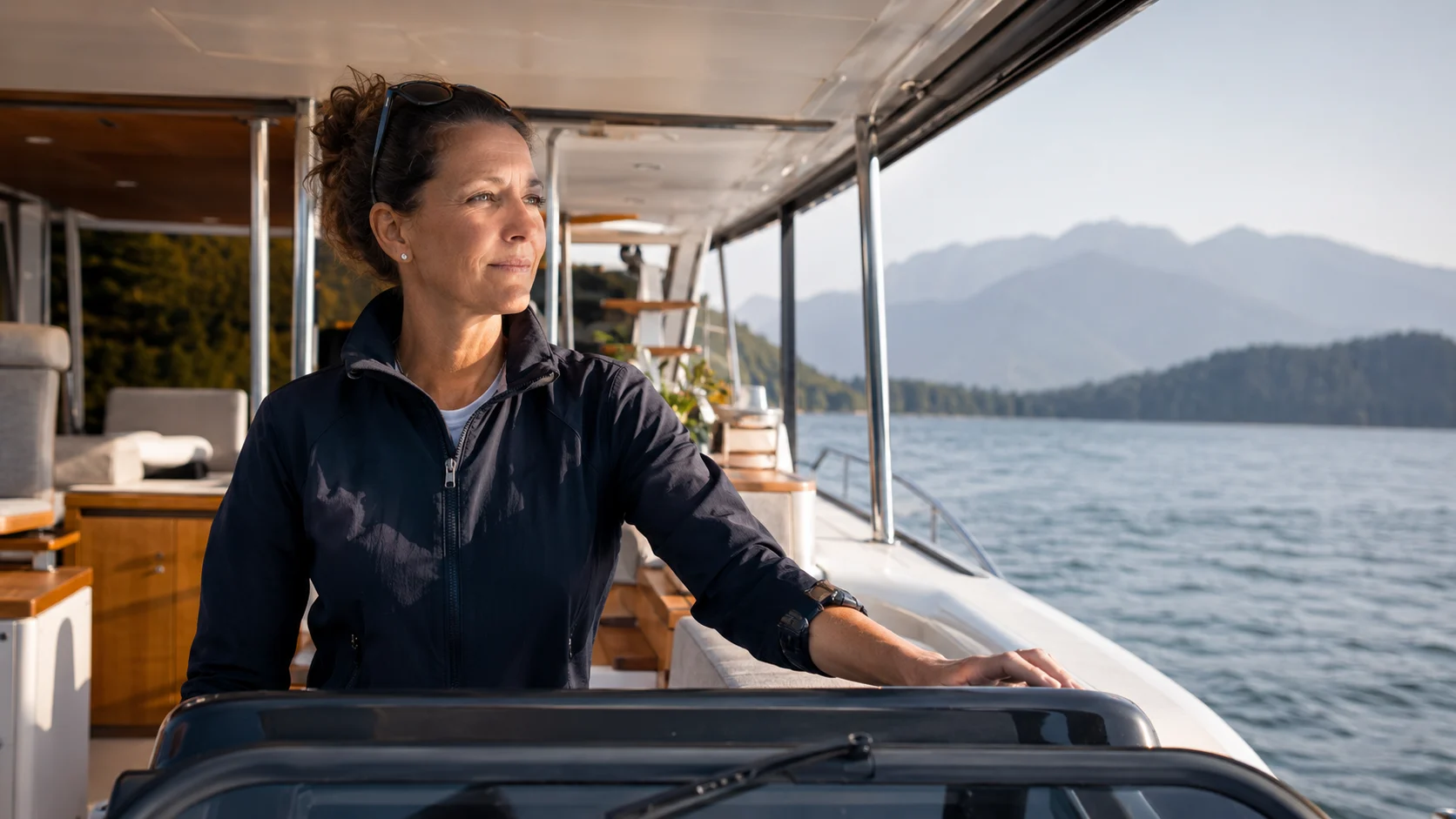
A professional captain at the helm of a motor yacht
In the appSea service record

Twelve days recorded, ten claimed. One entry ran 3.4 hours against the four-hour floor for a boat of this tonnage, so AFTWISE™ logged it and marked it Not Claimed. The hours are kept; the claim is not made for you.

Continuity

The record has to outlive the phone, the app, and you

Backup and restore on every plan, exports in formats that open anywhere, a controlled handoff on Captain when the boat changes hands — and nothing of yours on a server of ours.

Selling the boat

A documented boat is a different conversation

Every broker will tell you the same thing: two identical hulls, one with a complete service history and one with a folder of guesses, do not fetch the same price or take the same time to sell.